car code scanner About
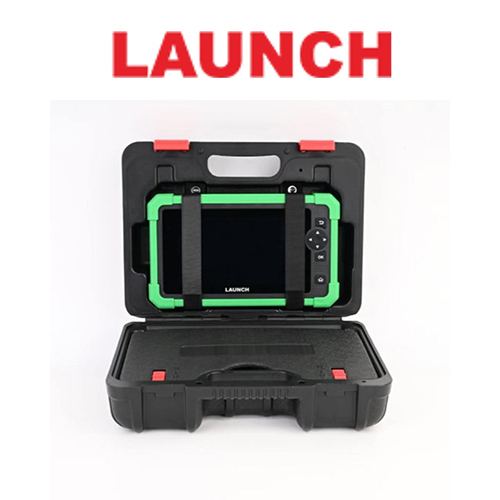
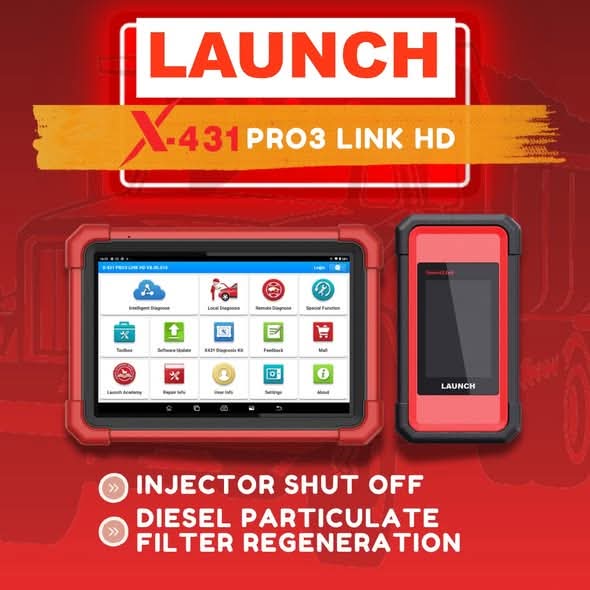
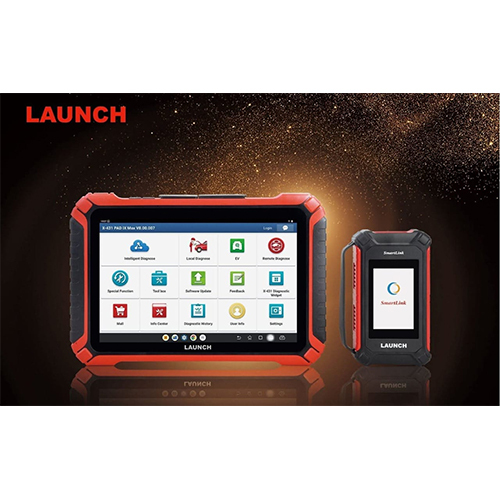
Experience kingly diagnostics with our noble Car Code Scanner, now on clearance! Personalise your automotive checks using the best touch screen LCD display and an intuitive, multi-language Android-based interface. Try now for seamless connectivity via OBD-II, USB, or optional Bluetooth/WiFi. Power up with a rechargeable battery or through the vehicle's OBD-II port and store vital data on internal memory or SD card. Supporting OBD-II, CAN, EOBD, and more, this portable solution fits securely in a heavy-duty molded case. Noble function includes live data, service resets, and more!
Versatile Engineering: Unmatched Features and Broad Application
Our car code scanner boasts features such as kingly live data analysis, ECU information, service and oil reset, DPF, BMS, and TPMS support. It's designed for usage in automotive plants, vehicle workshops, and can also be personalised for mobile diagnostics on domestic and foreign OBD-II compliant vehicles. This tool is efficient for troubleshooting, data storage, and vehicle system analysis, making it the best companion for both plant use and general automotive applications.
Fast Dispatch: Flexible Supply & Streamlined Payment
We guarantee secure shipping for every order, ensuring your scanner is shipped quickly and safely. Delivery times typically range from 3 to 7 business days nationwide. Our supply ability matches bulk and custom orders, with flexible payment terms including bank transfer and online payment options. Once your order is confirmed, we prepare the product for handover to our trusted logistics partners for swift processing and prompt delivery.
FAQ's of car code scanner:
Q: How does the Car Code Scanner connect to vehicles?
A: The scanner connects to vehicles using the OBD-II port. It can also connect via USB, and supports wireless Bluetooth or WiFi (optional) for flexibility with compatible vehicles.
Q: What are the main benefits of using this code scanner?
A: The scanner provides comprehensive diagnostic options like live data monitoring, code clearing, service resets, and system analysis. Its multi-language interface and Android OS offer a user-friendly and personalised experience for both professionals and enthusiasts.
Q: When should I update the scanner's software?
A: You should update the scanner's software whenever prompted or before starting diagnostics on newer vehicle models. Online updates ensure you have the latest features and protocol coverage.
Q: Where can the car code scanner be used?
A: It can be used in automotive service centers, vehicle manufacturing plants, or any location where diagnostics on OBD-II compliant vehicles are required. Its portable and durable design makes it suitable for fieldwork as well.
Q: What is the process for initial setup and usage?
A: Simply connect the scanner to your vehicle's OBD-II port or power it with the rechargeable battery. Follow the quick start guide to configure language and preferences on the touch screen and begin diagnostics instantly.

 Send Inquiry



 Send Inquiry

 Send Inquiry


 English
 Spanish
 French
 German
 Italian
 Chinese (Simplified)
 Japanese
 Korean
 Arabic
 Portuguese